Buy Our Tea
DJI Osmo Action FOV Boost Lens for Action 5 Pro/4 – 182° Ultra Wide Angle
DJI Osmo Action FOV Boost Lens for Action 5 Pro/4 – 182° Ultra Wide Angle
Couldn't load pickup availability
DJI Osmo Action FOV Boost Lens – Expand Your View to 182° for Ultra-Wide, Immersive Footage
Compatible Products
-
DJI Osmo Action 5 Pro,DJI Osmo Action 4
- DJI Osmo Action 5 Pro,DJI Osmo Action 4
Package Contents
- •1 × DJI Osmo Action FOV Boost Lens
- •1 × Osmo Action FOV Boost Lens Silicone Protective Case
Product Overview
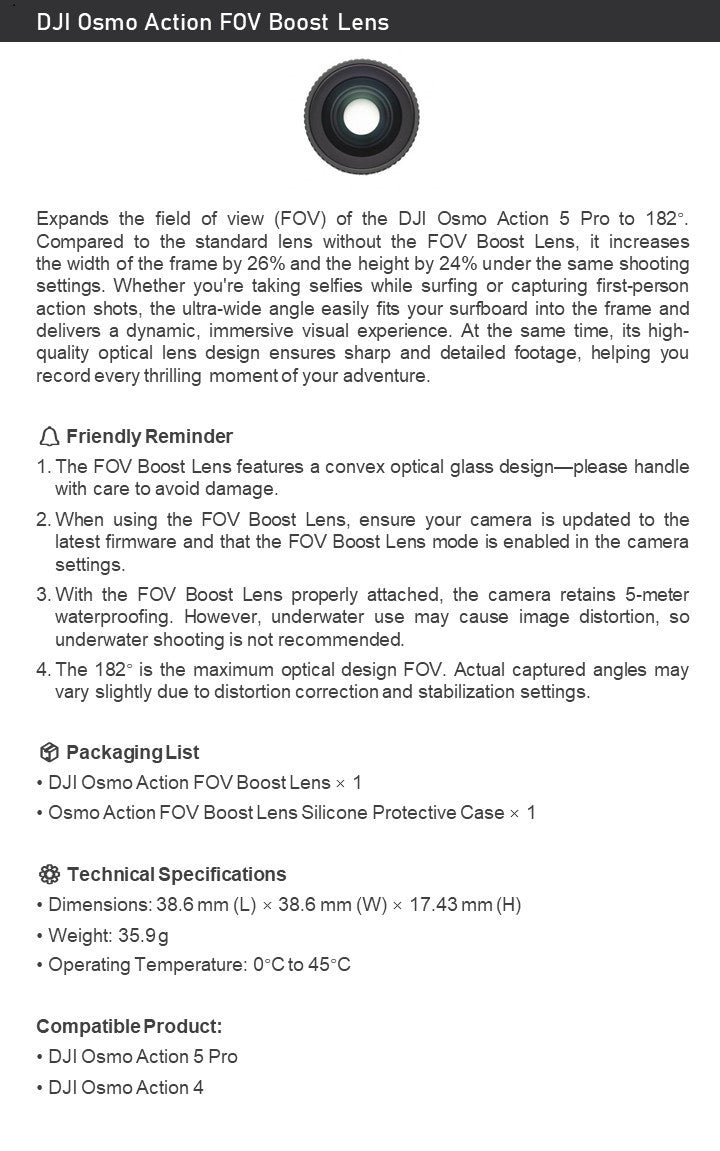
The DJI Osmo Action FOV Boost Lens is a premium accessory engineered exclusively for DJI Osmo Action 5 Pro and DJI Osmo Action 4 cameras. It transforms your action camera into an ultra‑wide imaging tool by expanding the native field of view to **182°** — a significant leap from the standard lens configuration.
Under the same shooting parameters, this lens increases frame width by 26% and height by 24%, allowing you to capture more of your surroundings in a single shot. Whether you’re shredding waves and want your surfboard perfectly framed in a selfie, or chasing fast‑paced action from a first‑person perspective, the ultra‑wide angle creates an immersive, cinematic feel that draws viewers directly into the scene.
Beyond breadth, the lens employs a high‑quality optical glass design to preserve image sharpness and fine detail, so every thrilling moment is recorded with clarity and vibrancy.
Key Benefits:
- •Ultra‑Wide 182° FOV: Maximizes scene coverage for dynamic shots.
- •26% Wider Frame / 24% Taller Frame: Captures more context without sacrificing quality.
- •Immersive Visuals: Ideal for action sports, vlogging, and adventure storytelling.
- •Sharp Optical Performance: Maintains detail and reduces distortion artifacts (within optical limits).
- •Adventure‑Ready: Sleek, lightweight build with included silicone protective case.
Friendly Reminder
- 1.Handle with Care – The FOV Boost Lens uses a convex optical glass design; avoid drops, impacts, or applying pressure to prevent damage.
- 2.Firmware & Settings – Before use, ensure your camera is updated to the latest firmware and that the FOV Boost Lens mode is enabled in the camera settings for optimal performance.
- 3.Waterproofing – When properly attached, the camera retains 5‑meter waterproofing. However, underwater shooting is not recommended, as water can cause image distortion.
- 4.FOV Variance – The stated 182° is the maximum optical design FOV. Actual captured angles may differ slightly due to distortion correction and stabilization settings applied by the camera.
️ Technical Specifications
- •Dimensions: 38.6 mm (L) × 38.6 mm (W) × 17.43 mm (H)
- •Weight: 35.9 g
- •Operating Temperature: 0 °C to 45 °C
Compatible Products:
- •DJI Osmo Action 5 Pro
- •DJI Osmo Action 4
Key Features
-
1.
Expanded Field of View (182°)
- •Enlarges your shooting canvas dramatically, letting you fit more of the scene—whether it’s a wide beach panorama, your entire bike and trail, or a group of friends mid‑action.
-
2.
Frame Size Increase (Width +26%, Height +24%)
- •Provides noticeably more vertical and horizontal coverage versus the standard lens, enhancing storytelling by reducing the need for panoramic stitching.
-
3.
High‑Quality Optical Glass
- •Crafted for minimal chromatic aberration and edge softness, preserving sharpness across the expanded frame for crisp details in highlights and shadows.
-
4.
Dynamic Action Capture
- •Perfect for first‑person perspectives in surfing, skiing, skateboarding, mountain biking, and other high‑energy scenarios where immersion matters.
-
5.
Included Silicone Protective Case
- •Shields the lens from scratches and minor bumps during travel; easy to attach and remove.
-
6.
Reliable Environmental Tolerance
- •Operates reliably between 0 °C and 45 °C, suiting diverse climates from snowy slopes to tropical beaches.
Usage Tips
-
1.
Lens Attachment
- •Align the FOV Boost Lens with the camera’s lens mount and gently press until it clicks into place. Verify it sits flush to avoid light leaks or instability.
-
2.
Enable FOV Boost Mode
- •Access your camera’s settings menu and turn on FOV Boost Lens mode after attaching the lens; this ensures the camera processes the image correctly for the expanded angle.
-
3.
Firmware Update
- •Check DJI’s official website or the DJI Mimo app for the latest firmware version compatible with the FOV Boost Lens. Updated firmware improves compatibility and image processing.
-
4.
Avoid Underwater Use
- •Despite 5‑meter waterproofing, water refraction can distort the ultra‑wide image; for clear underwater footage, use DJI’s dedicated underwater filters or housings instead.
-
5.
Careful Handling
- •Clean the lens with a microfiber cloth; avoid abrasive materials. Store it in the silicone case when not in use to prevent scratches on the convex glass surface.
-
6.
Stabilization Considerations
- •Ultra‑wide lenses can exaggerate small shakes; pairing with RockSteady or HorizonBalancing (if available on your model) will yield smoother footage.
️ Important Notes
- •Convex Glass Fragility – The protruding optical element is more vulnerable to impact than flat lenses; always use the silicone case during transport.
- •Distortion Correction – The camera’s software applies corrections that may slightly reduce the effective FOV from the theoretical 182°.
- •Compatibility – This lens is only compatible with DJI Osmo Action 5 Pro and DJI Osmo Action 4. Using it with other models may cause improper fit or function.
- •Temperature Limits – Do not operate the lens outside the 0–45 °C range to avoid condensation or thermal stress affecting optical performance.